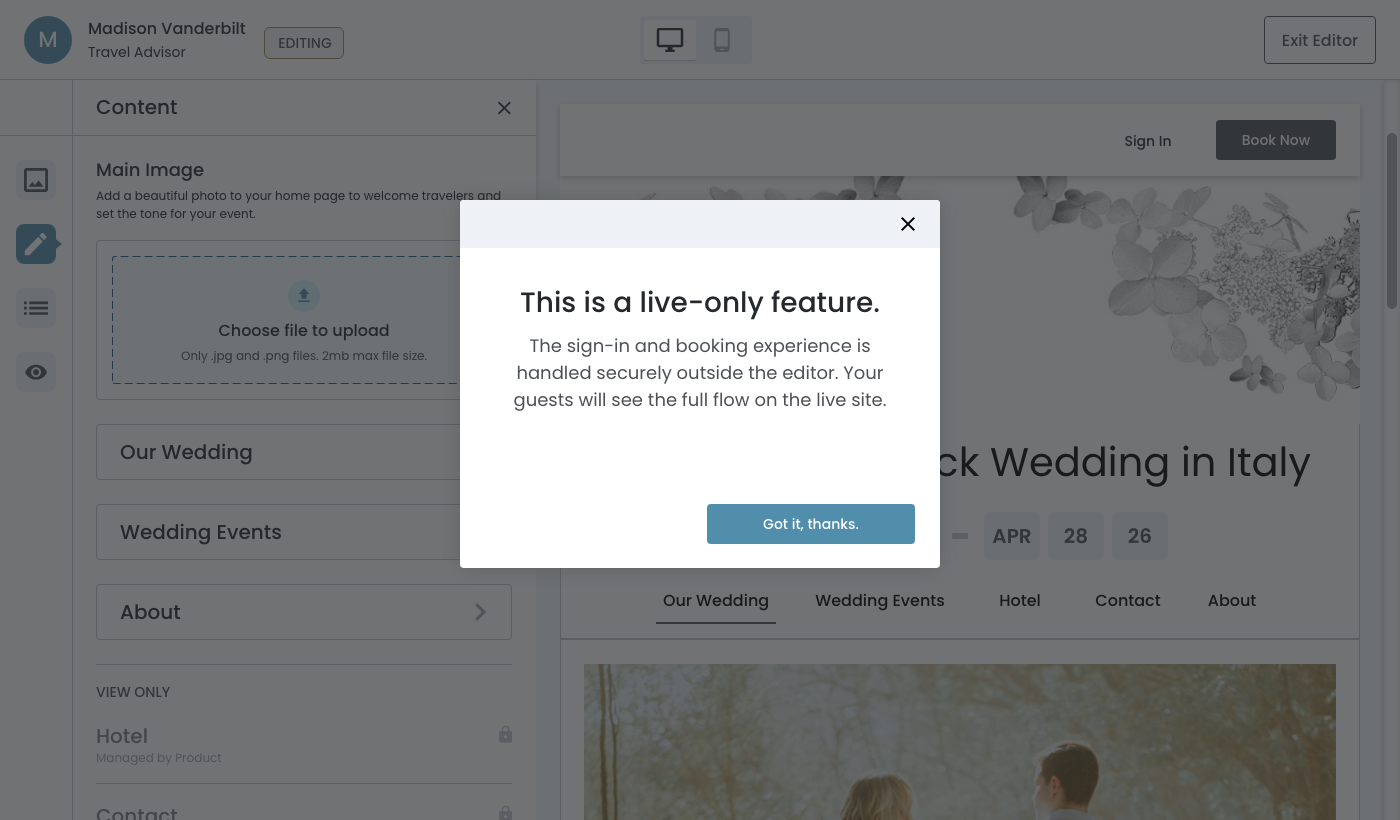
Content Panel, Preview
Preview area will show users exactly what their guests will see.
In this page
March 6th, 2026
Handling View‐Only Pages
Hotel & Contact Pages
These two pages exist on the live guest‐facing site but are managed outside the editor entirely ‐ Hotel by the product team, and Contact by the travel advisor through the dashboard. This revised design defines how to handle it clearly for both user types accessing the editor.
UX Solution:
- Show the Hotel and Contact pages in the preview
- In the panel, Hotel and Contact will be grouped under a distinct "View Only" section
- A sub‐label beneath each item indicates where it is managed
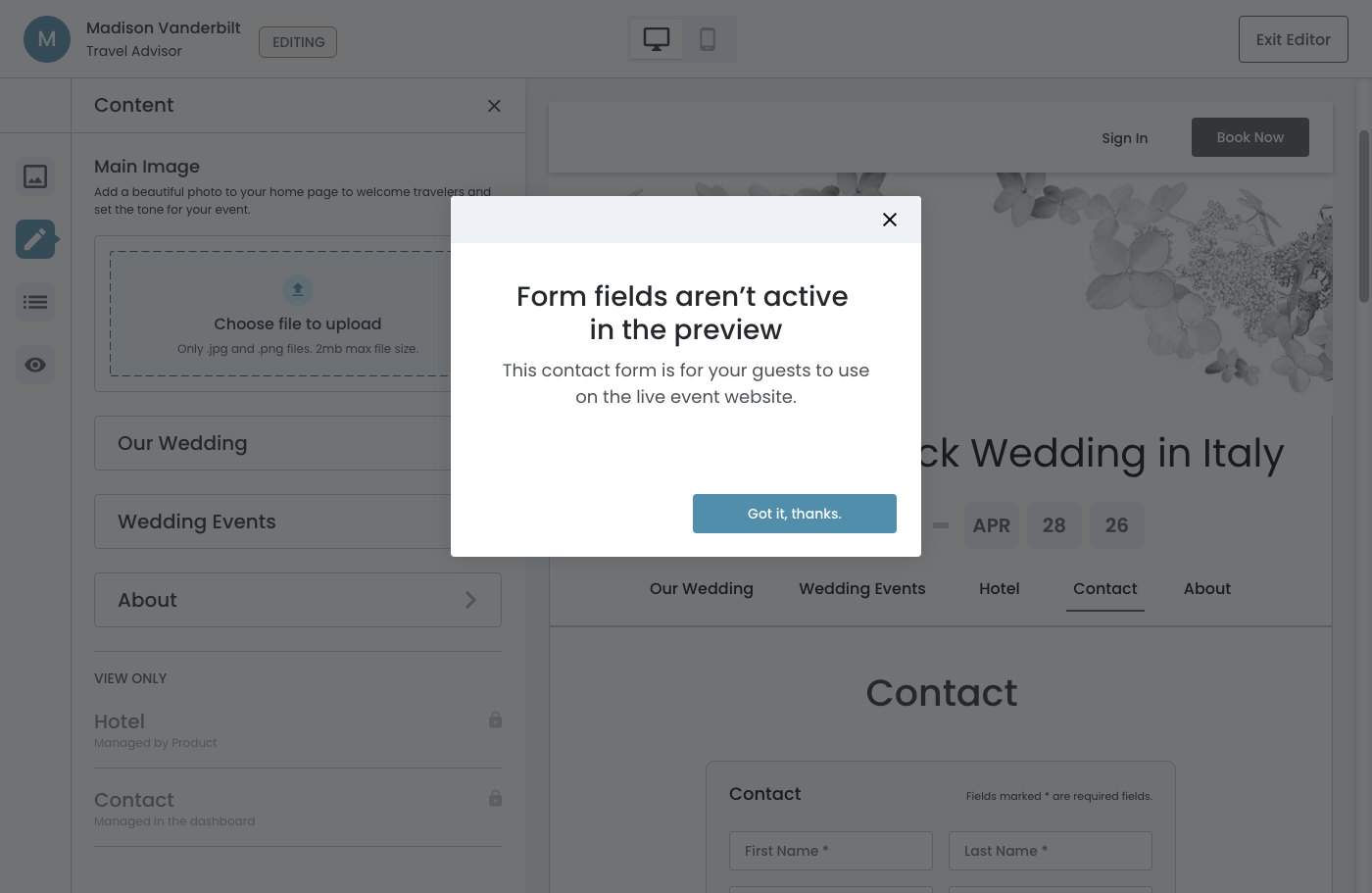
- If a user clicks on form fields in the Contact page preview, a modal appears explaining that the form is not interactive in the editor
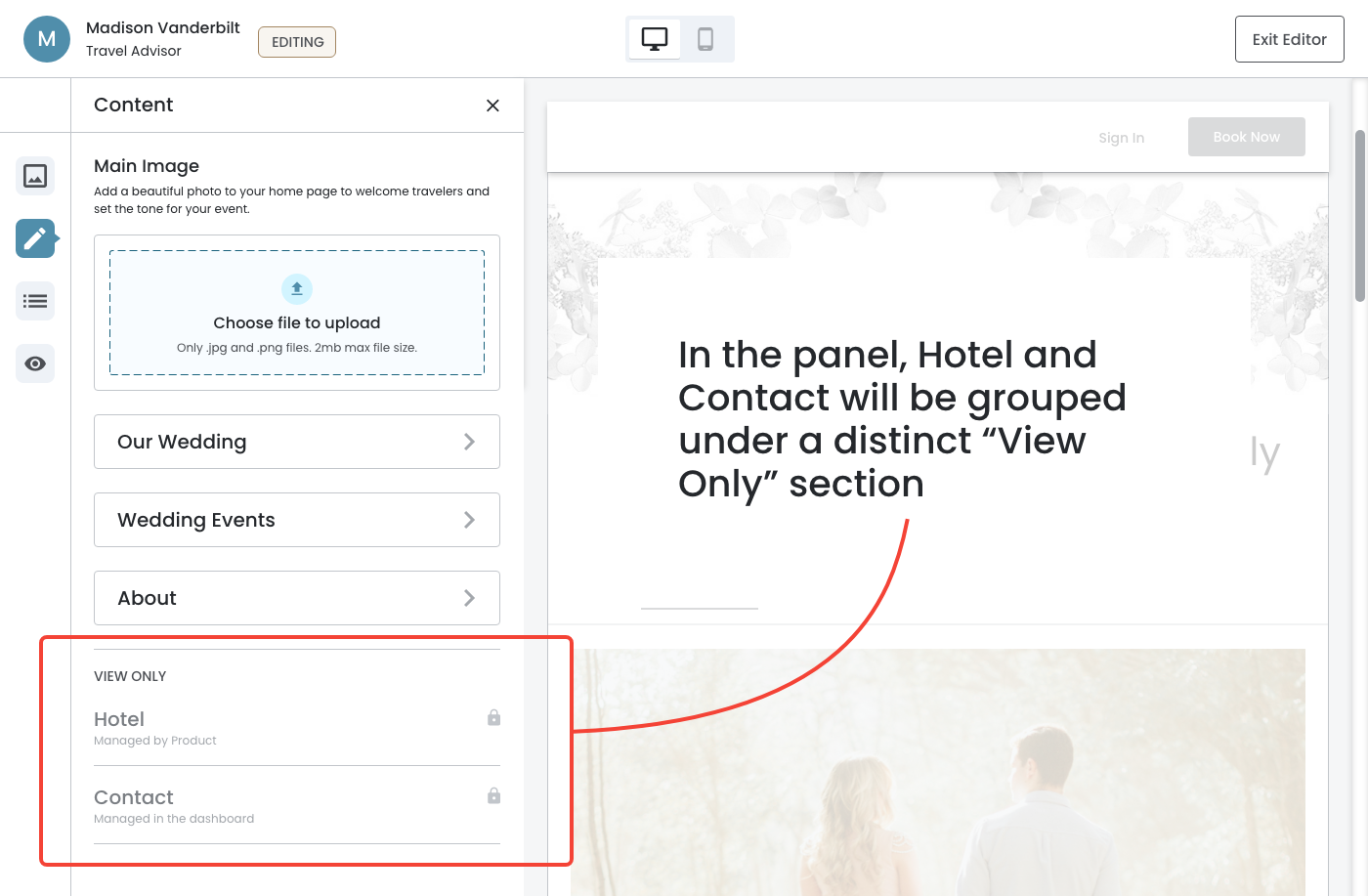
View Only: Hotel Page
Hotel page in the preview area.
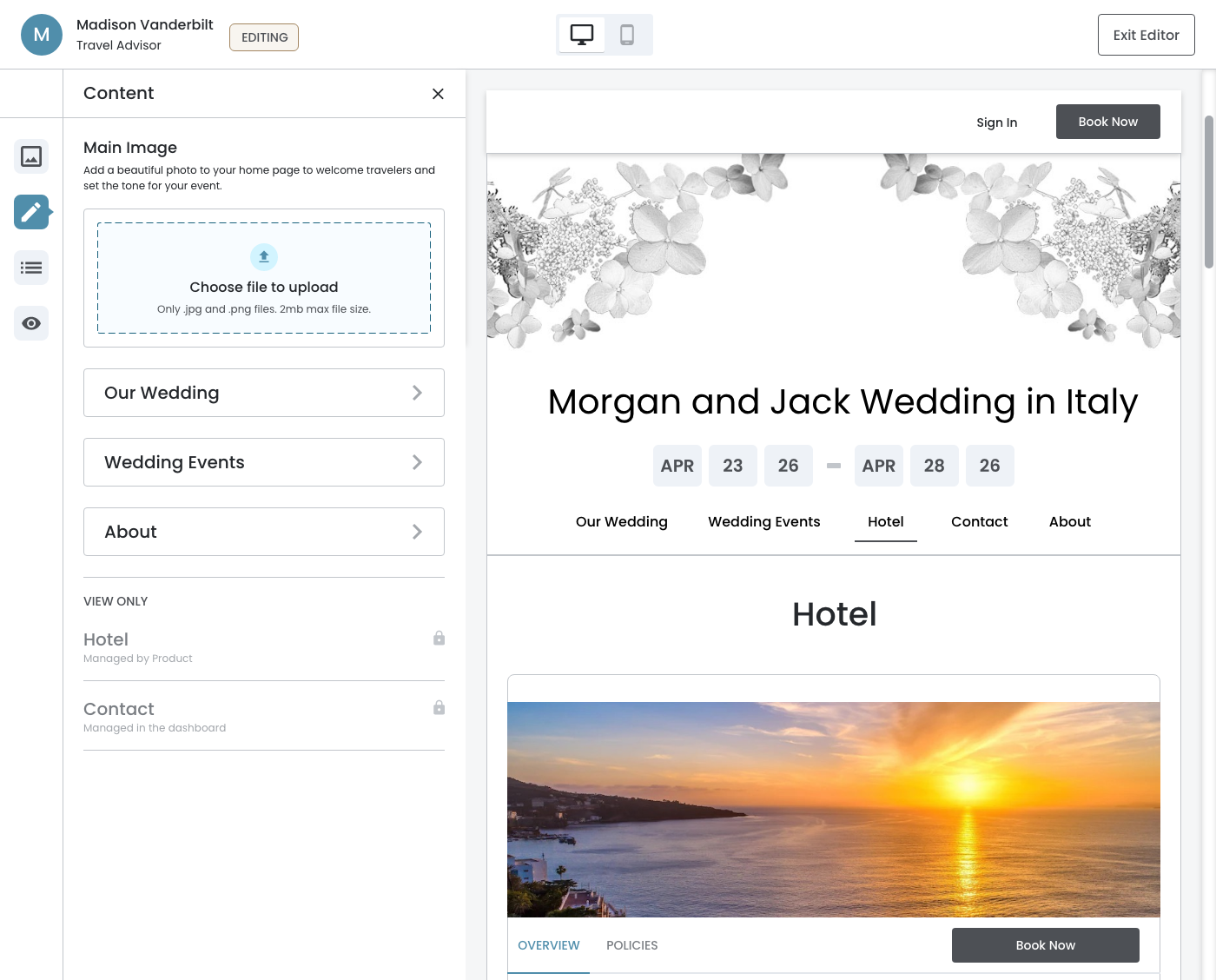
View Only: Contact Page
Contact page in the preview area.
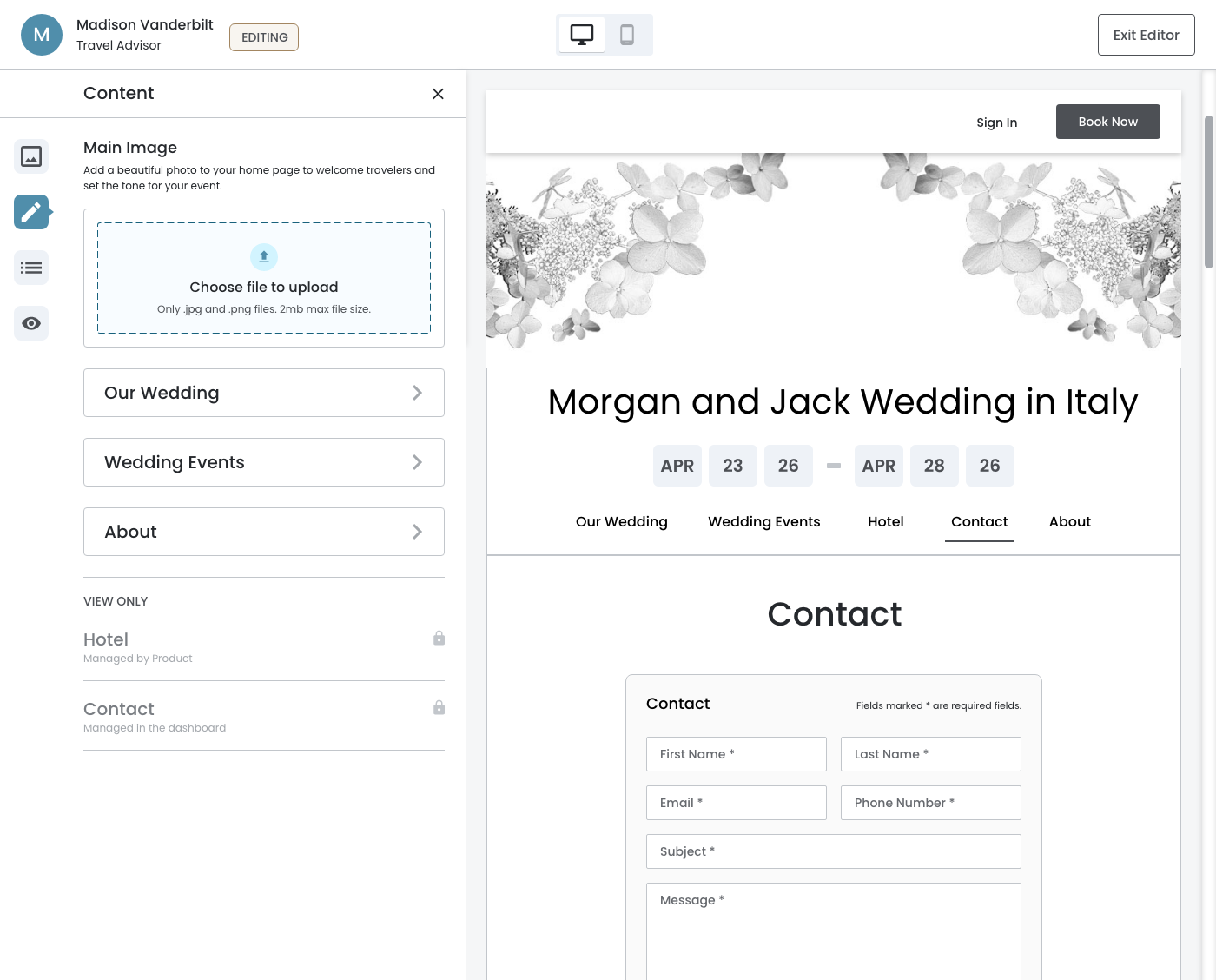
Modal
If a user clicks on form fields in the Contact page preview, a modal appears explaining that the form is not interactive in the editor.
March 6th, 2026
Flows Outside the Editor
Sign In & Book Now
Unlike the Hotel and Contact pages, these buttons don't lead to content pages but to functional flows: a pre‐authentication sign‐in interface and a six‐step booking process where guests select a room from a contracted hotel. These flows are part of the live guest experience but are outside the scope of the editor entirely.
UX Solution:
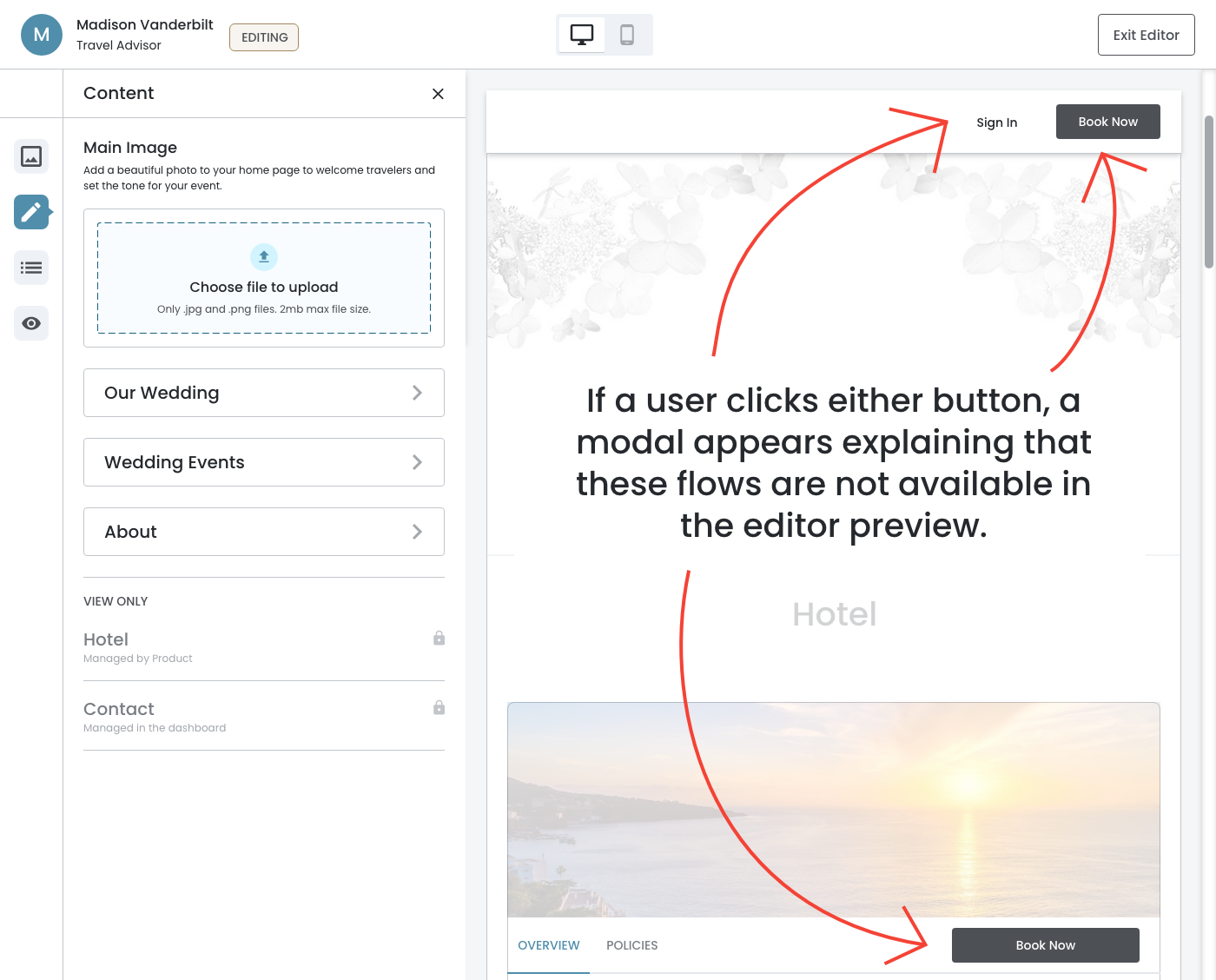
- Show the Sign In and Book Now buttons in the preview
- The buttons are not interactive in the editor — clicking them does not trigger the sign‐in or booking flow
- If a user clicks either button, a modal appears explaining that these flows are not available in the editor preview
Modal
If a user clicks on form fields in the Contact page preview, a modal appears explaining that the form is not interactive in the editor.